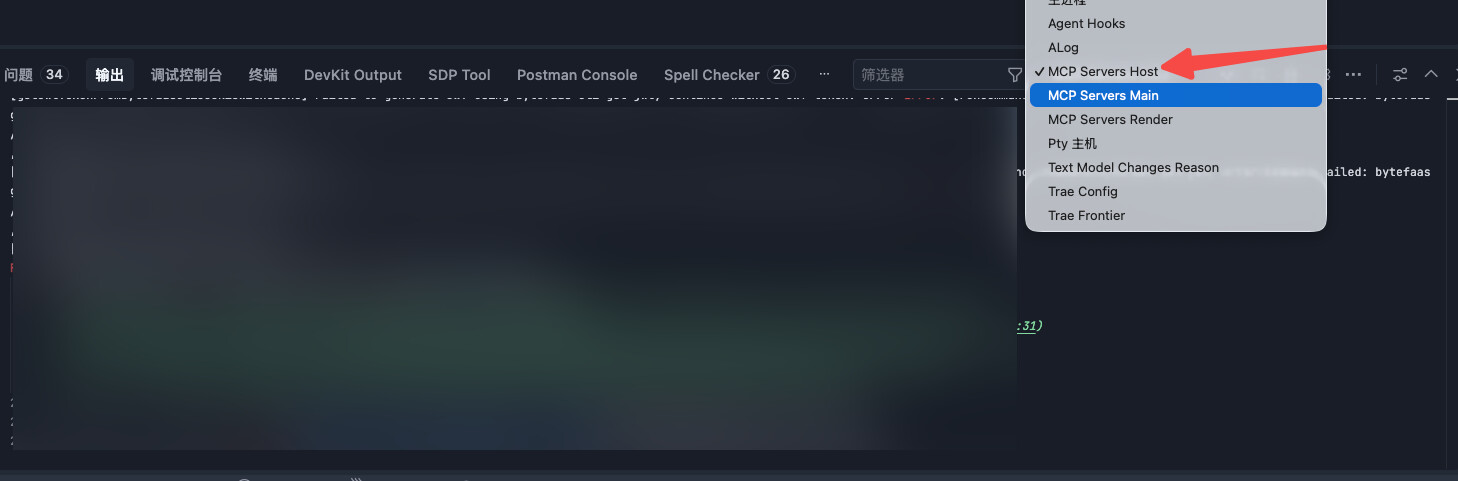
Called mcp.config.usrlocalmcp.game-project-config / search-config-data
参数
{
  "fileName": "111.xlsx",
  "limit": 5,
  "searchKey": "id=11002000 and lv=30",
  "sheetName": "111"
}
响应
{
  "content": [
    {
      "type": "text",
      "text": "搜索到 1 条匹配记录(共2条匹配,当前返回1条)"
    }
  ],
  "structuredContent": {
    "results": {
      "11002000": {
        "30": {
          "desc": "Lv30",
          "data": {
            "id": 11002000,
            "lv": 30,
            "items": "{{count=30,id=1,type=0}}",
            "lvAttrAdd": null,
            "args": "{{sub=0,type=1,vals={0,300,0}},{sub=0,type=1,vals={0,40,0}}}",
            "value": 300,
          }
        }
      }
    },
    "totalCount": 2
  },
  "isError": null,
  "historyRunMode": "auto"
}
Called mcp.config.usrlocalmcp.game-project-config / search-config-data
参数
{
  "fileName": "222.xlsx",
  "limit": 5,
  "searchKey": "id=12002000 and lv=1",
  "sheetName": "111"
}
响应
{
  "content": [
    {
      "type": "text",
      "text": "搜索到 1 条匹配记录(共2条匹配,当前返回1条)"
    }
  ],
  "structuredContent": {
    "results": {
      "12002000": {
        "1": {
          "desc": "1",
          "data": {
            "id": 12002000,
            "lv": 1,
            "items": "count=\"{{1\",id=1,type=0}}",
            "lvAttrAdd": null,
            "args": "{}",
            "value": 1,
            "lvDesc": null
          }
        }
      }
    },
    "totalCount": 2
  },
  "isError": null,
  "historyRunMode": "auto"
}
思考
响应search 能匹配到记录但只返回"共2条匹配"不返回具体值。直接用 update dryRun 来验证 args 的实际值(虽然 dryRun 不写入,但会返回旧值供对比):
这是某次对话中ai的思考和mcp调用内容
然后官方的文档中mcp概览MCP 概览,说的却是:
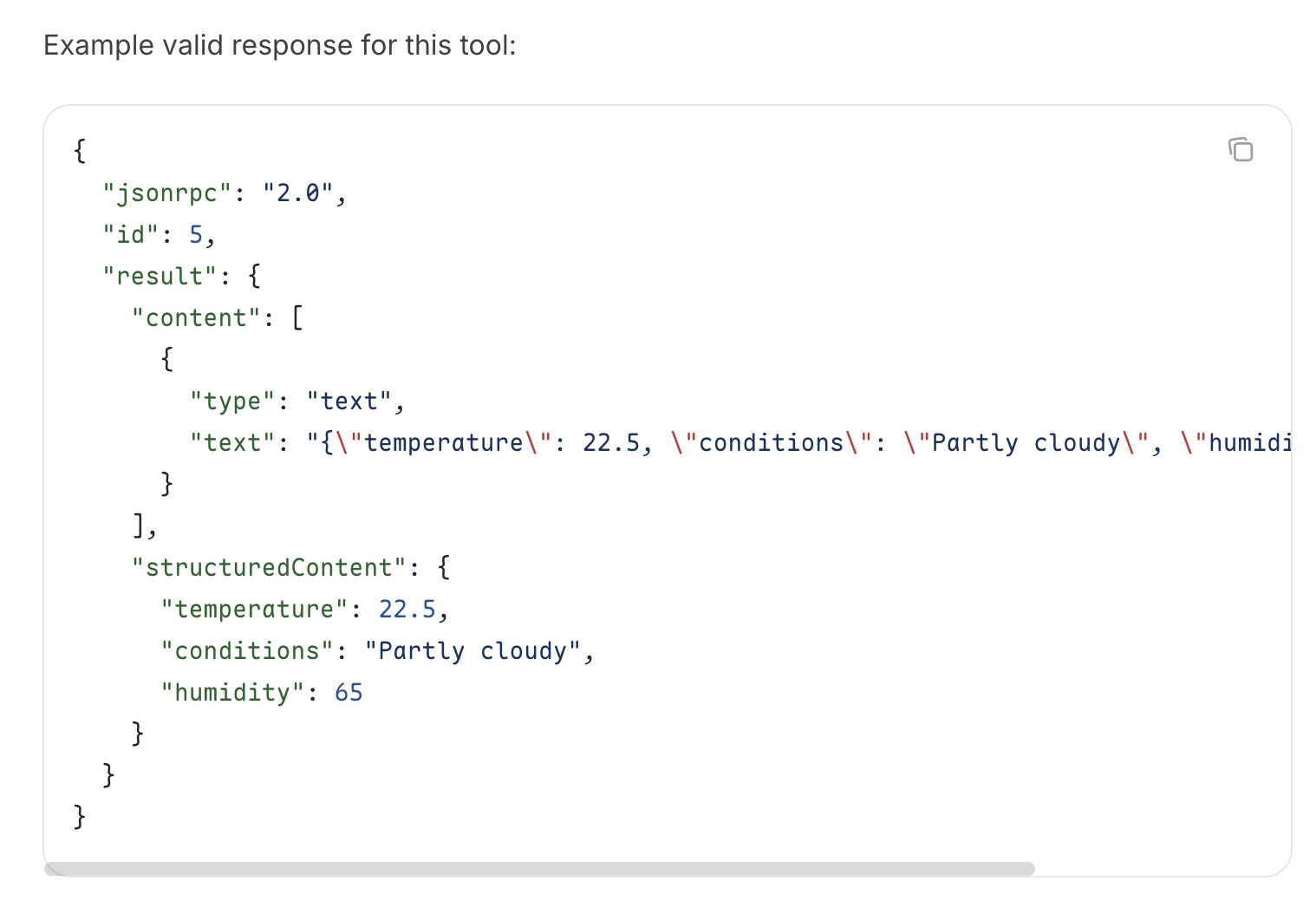
标准化 MCP Server 对工具能力及其执行结果的描述方式,使客户端能够安全、可预测地发现、调用并理解工具。
TRAE 具体支持的数据类型如下:
-
工具定义:
name、title、description、inputSchema、outputSchema。 -
工具运行结果:Text Content、Structured Content。
文档明确写这支持Structured Content。