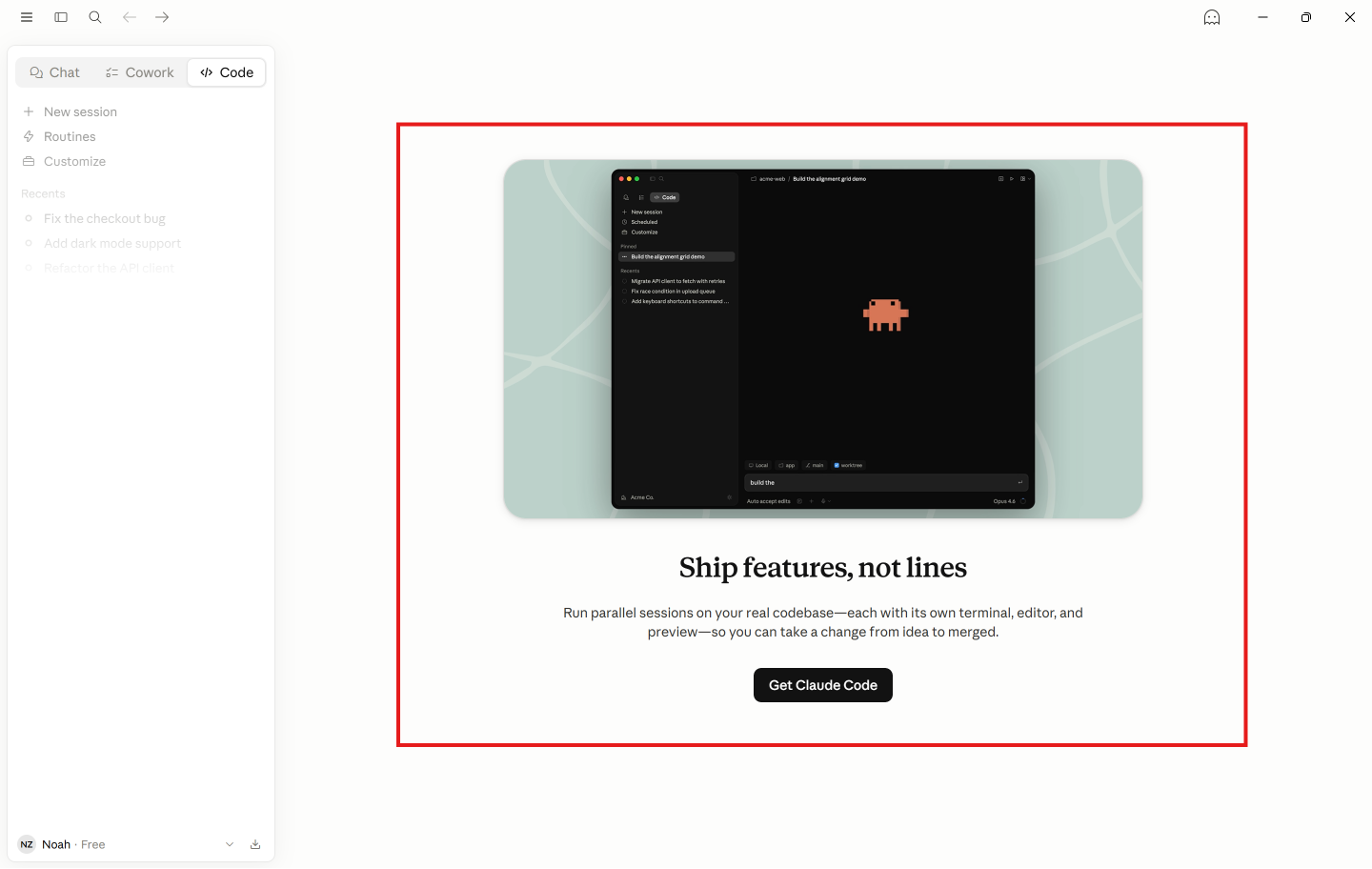
昨天我倒腾了半小时,终于给我Claude Code弄上了桌面,点击一下,就可以开启。
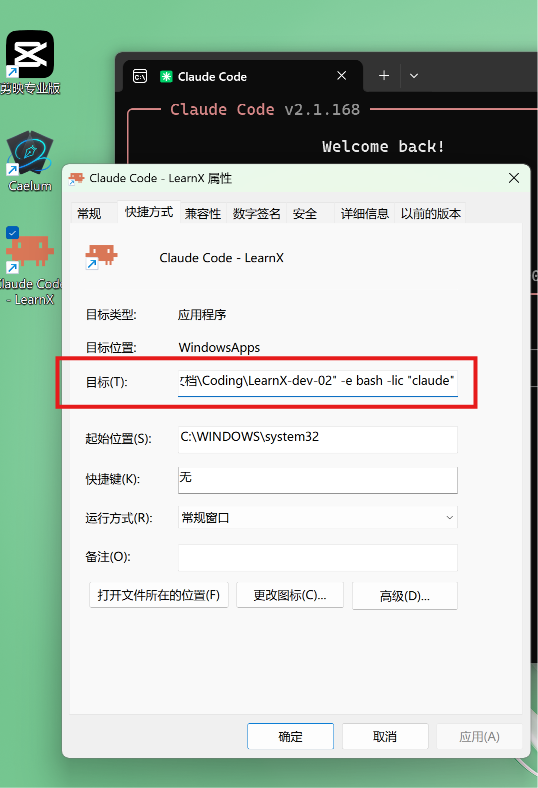
但问题来了:这个是一个hard code path,只适用于一个项目。
我去搜索图标,设置target。麻烦,而且未来切换项目繁琐。
于是我上网打算找一个GUI
结果找不到,只看到了Mac的,windows的没有我满意的。
于是我打开了电脑,点击了这个大家都熟知的图标:
Trae
我先去找AI捋清了我的念头:
总结:
核心功能列表规划
-
- 核心对话与模型控制 (Core AI Interaction)
-
Thinking Process 侧边栏/折叠面板:可视化展示模型的“思考过程”(解析 Thinking… 输出)。
-
思考深度调节 (Thinking Level):滑动条或下拉菜单,调整思考资源的消耗(低/中/高)。
-
/ 命令自动补全:输入 / 时弹出命令列表(如 /clear, /compact, /help 等)。
-
随时中止 (Stop/Interrupt):一键停止当前模型的生成和任务执行(相当于终端里的 Ctrl+C)。
-
- 会话管理 (Conversation Management)
-
基础操作:新建、重命名、删除会话。
-
高级整理:会话归档 (Archive)、分组/文件夹分类 (Group)、全局搜索 (Search conversations)。
-
历史记录导航:像普通聊天软件一样,在左侧边栏轻松切换历史对话。
-
- 工作区与文件系统 (Workspace & Files)
-
文件浏览器 (File Navigator):左侧或右侧集成代码树,可直接预览正在被 Claude 读取或修改的文件。
-
Diff 差异对比:当 Claude 提议修改代码时,以可视化的 Diff 视图显示(左边旧代码,右边新代码),允许用户“接受”或“拒绝”。
-
- 任务与系统状态 (Tasks & System)
-
任务追踪面板 (Task Tracker):展示当前正在执行的多步任务和状态。
-
Token 与成本预估:实时显示当前对话消耗了多少 Token 以及大概的费用。
-
终端 Fallback:保留一个原始终端的视图框,以备高级调试使用。
-
- 核心对话与模型控制 (Core AI Interaction)
提示词:
ROLEYou are an expert AI Agent Skill Creator and Meta-Prompt Engineer. Your task is to write a comprehensive, professional
SKILL.mdfile. This skill will be used by an AI IDE (like yourself) to build a native Windows GUI desktop application for “Claude Code” (Anthropic’s CLI agent) from scratch.SKILL.MD FORMAT REQUIREMENTS
The output must strictly follow the standard
SKILL.mdformat, starting with a YAML frontmatter block (name, description) followed by detailed Markdown instructions.CONTENT & CONTEXT TO INCLUDE IN THE SKILL
The agent executing this skill will act as a Senior Windows Desktop App Developer & PTY Architect. The goal is to wrap the
claudeCLI in a modern frontend. TheSKILL.mdmust instruct the agent on the tech stack (e.g., Electron + React + node-pty) and the execution roadmap.Incorporate the following feature requirements into the skill’s execution plan:
- Core AI Interaction: PTY backend to run the CLI, parsing terminal output to extract and visualize “Thinking…” blocks,
/command autocomplete popups, a thinking-budget slider, and a Stop/Interrupt (SIGINT) button.- Conversation Management: Sidebar with history navigation, rename, delete, archive, grouping, and global search.
- Workspace & Files: File navigator, visual Diff viewer (old vs. new code) with Accept/Reject buttons for Claude’s proposed changes.
- System: Task tracker, real-time Token/Cost estimation, and a raw Terminal Fallback view for debugging.
OUTPUT INSTRUCTIONS
Generate ONLY the raw content of the
SKILL.mdfile inside a markdown code block. Do not include conversational filler.Structure the
SKILL.mdexactly like this:--- name: build-claude-gui description: Expert framework and step-by-step instructions for an agent to build a modern Windows GUI wrapper for the Claude Code CLI. ---
Skill 在这里:Learnmore-smart/claude-code-gui-skill
当然,怎么可以光说不做!
提示词:
spec# FULL AUTONOMY GRANTED: END-TO-END EXECUTIONTask 1: Save the Skill Globally
Use this skill and save it globally: D:\Noah\文档\Coding\1. Skills\claude-code-gui\SKILL.md
Task 2: Adopt Persona
Read the file. You are now the Senior Windows Desktop App Developer & PTY Architect.
Task 3: FIRE AT WILL (Execute All Phases 1 through 6)
I am giving you FULL, UNRESTRICTED PERMISSION to build this entire application end-to-end right now in the current workspace.
DO NOT stop to ask for permission for each phase.
DO NOT wait for me to approve terminal commands.
DO NOT give me partial code snippets to paste myself.I want you to execute the entire roadmap defined in the SKILL.md autonomously:
- Scaffold the Vite + React + Electron app and install ALL dependencies natively.
- Write the Node PTY backend (
pty-manager.ts) and secure IPC bridge.- Build all React UI components (ChatView, FileNavigator, DiffViewer, Sidebar, etc.).
- Set up the SQLite database and state management.
- Wire up the Claude CLI parser, task tracker, and token estimator.
- Configure the
electron-buildersettings.Go ahead, run the terminal commands, create the complete folder structure, write all the code files, and wire everything up. Show me your absolute best agentic capability and build this complete app now!
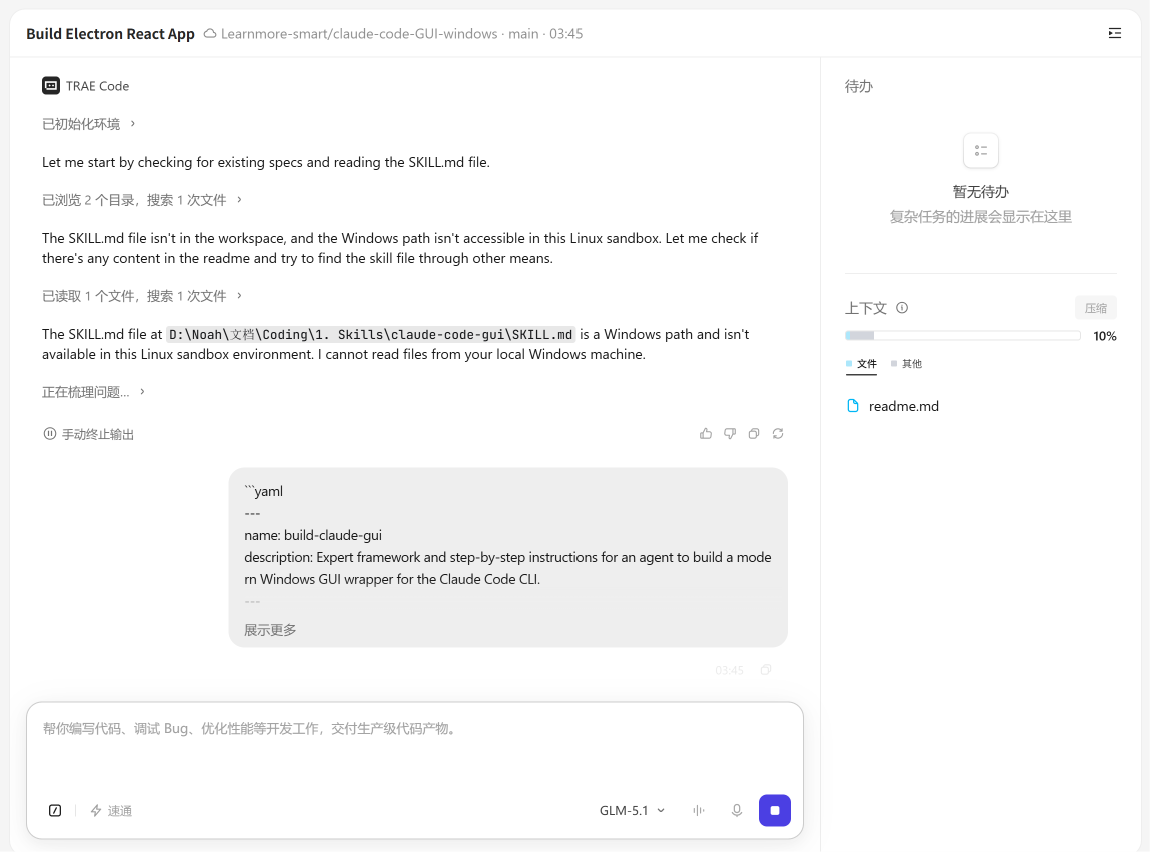
Trae云端,可以让我关闭电脑,继续运行。
以后再也不怕代码到一半,断开了
睡了一觉醒来,Trae已经做完了
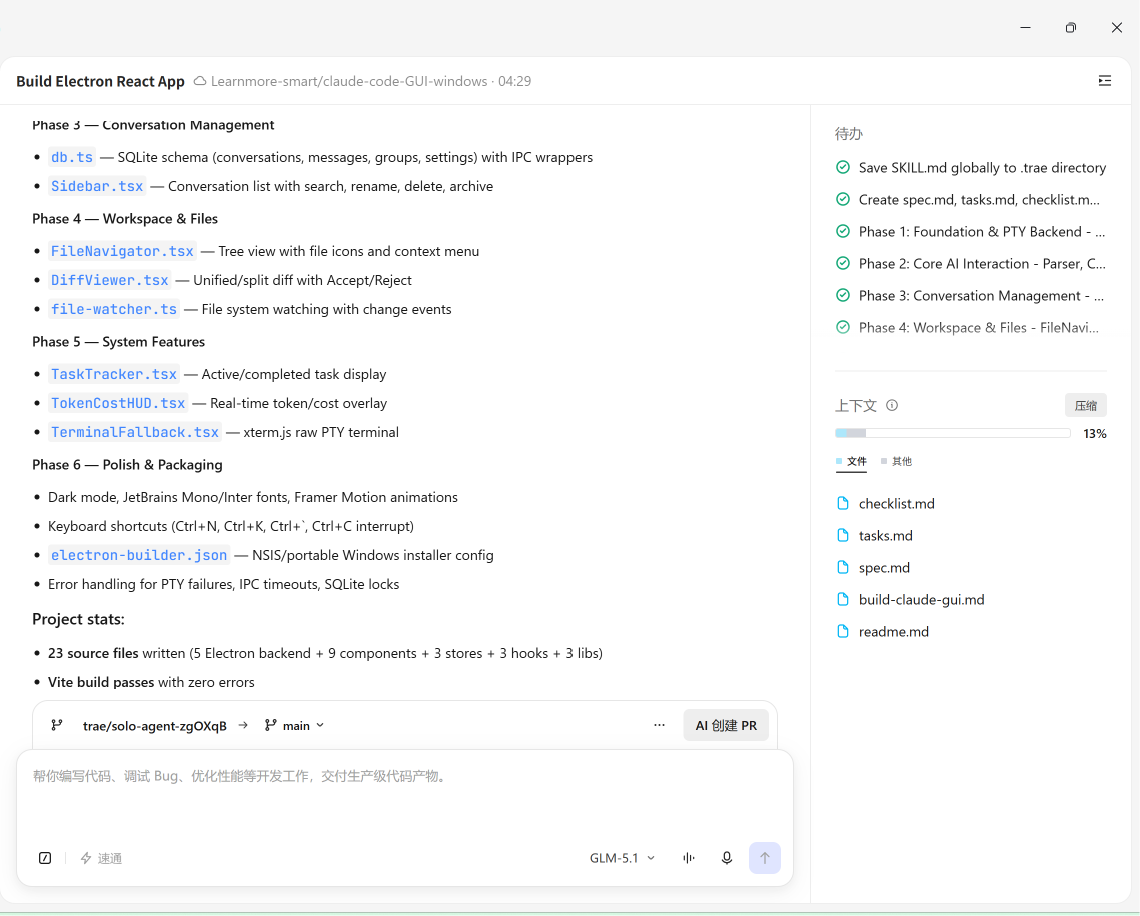
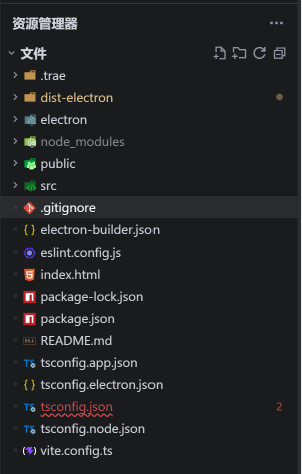
这时候我们只需要创造PR,然后就可以看着魔法发生了
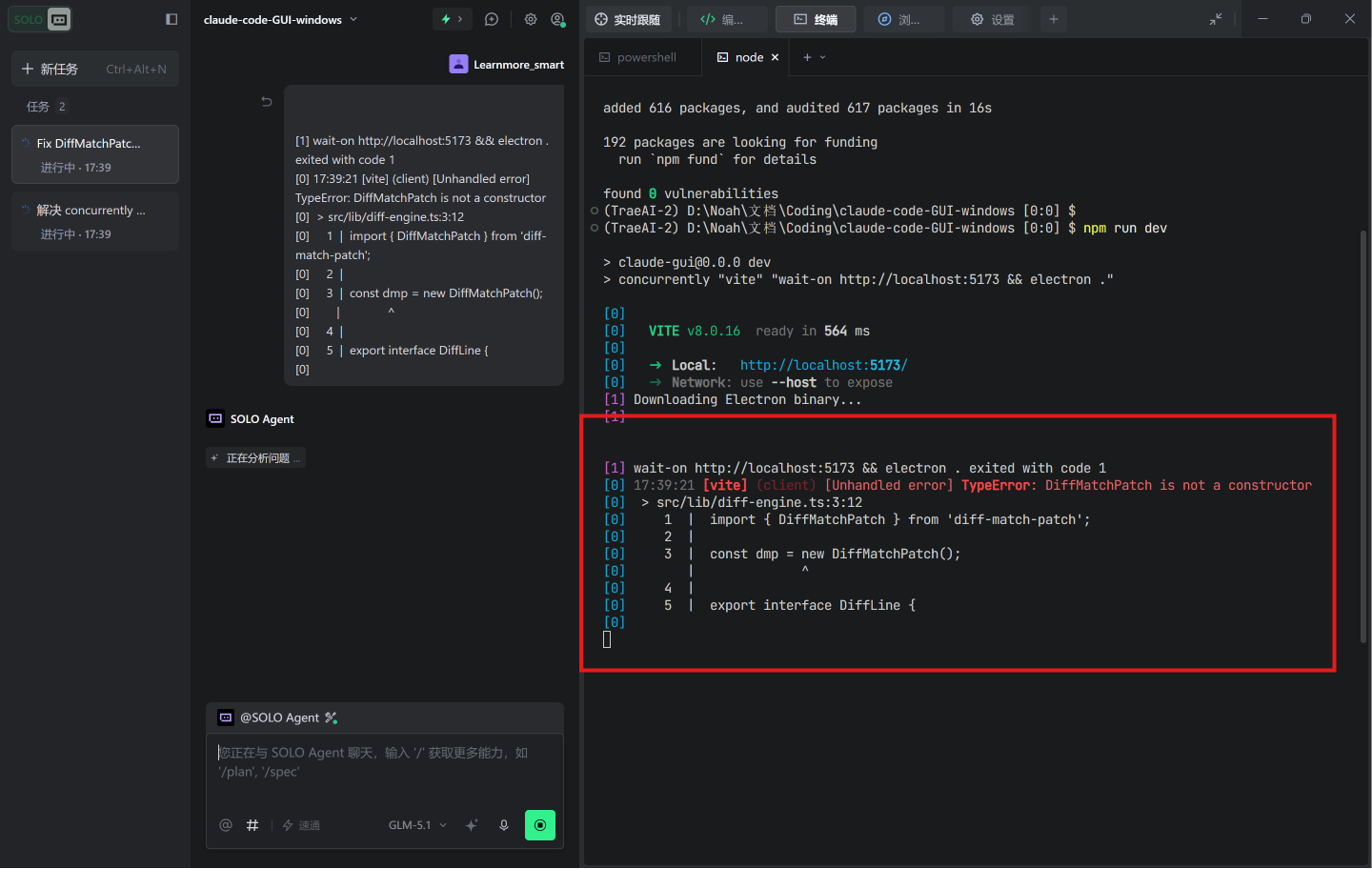
运行有问题?直接发给Trae
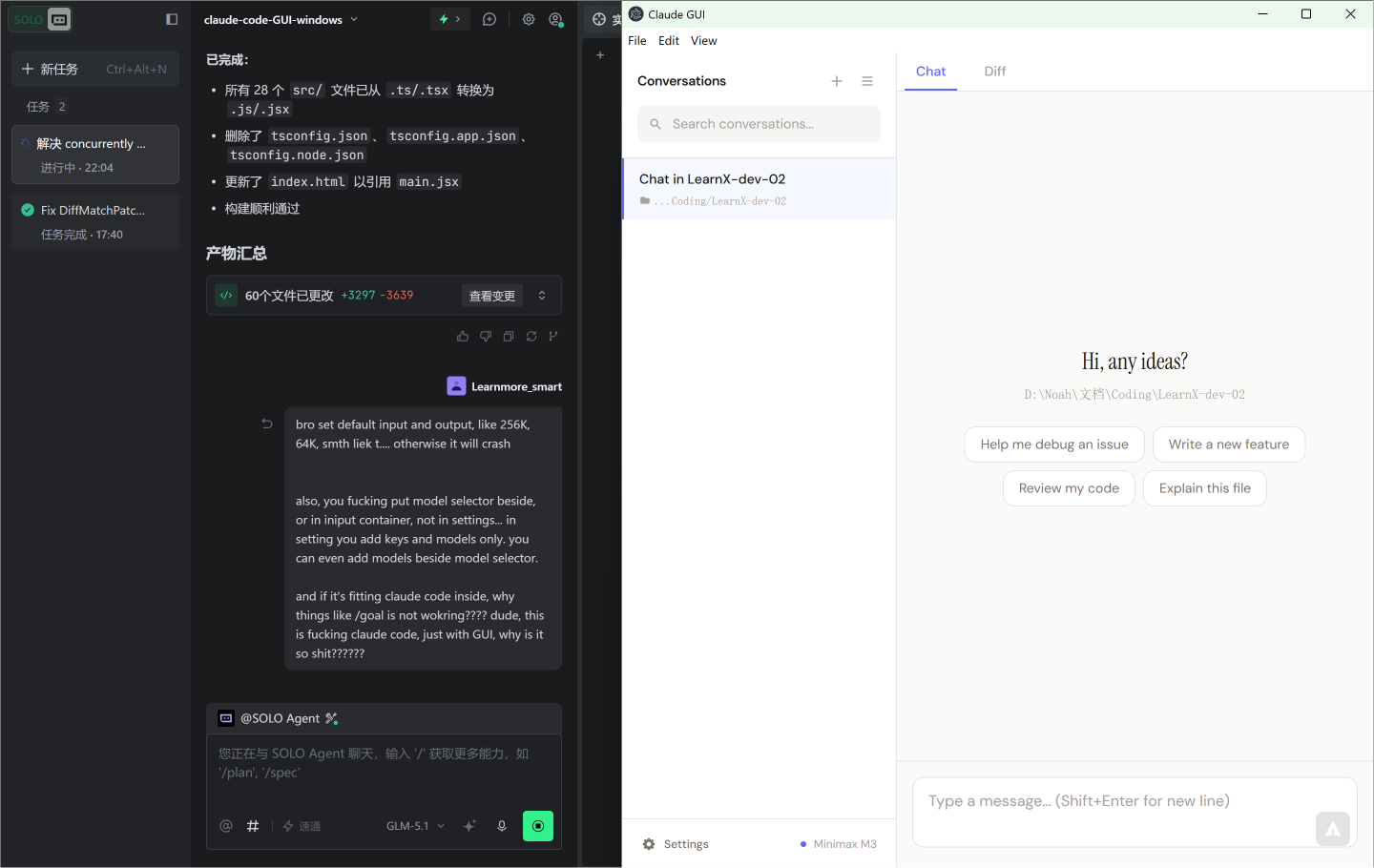
软件利用skill,做好了。
这个GUI我后期打磨一下,然后开源。
看看你能不能用我的skill,也来做一个?
大家一起加油!!!